The Operating System Built for Alumni Chapters
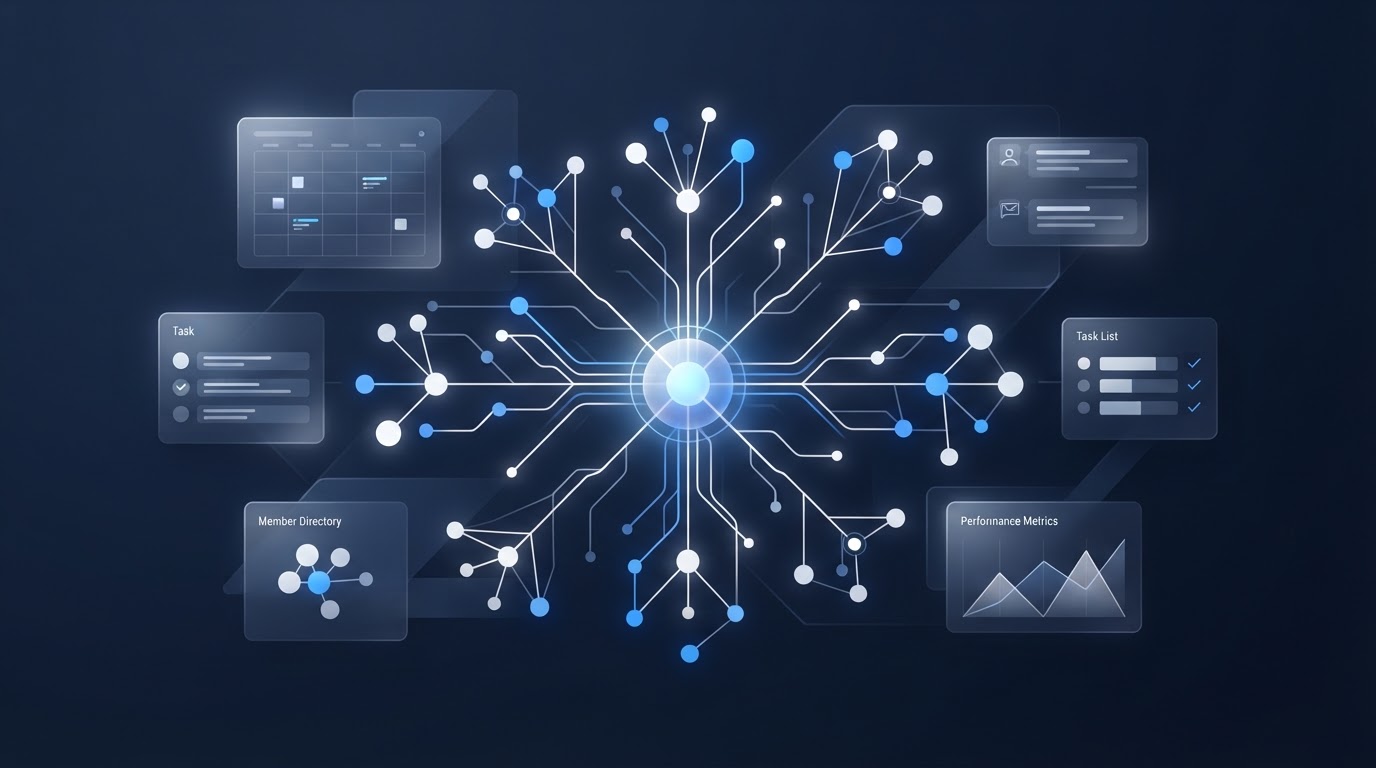
The FlipSide Chapter Command Center brings member management, inquiries, communications, events, tasks, payments, websites, social media, AI-powered tools, and administrative workflows into one centralized system—so officers spend less time managing disconnected tools and more time leading the chapter.
Built for NPHC alumni chapters, HBCU alumni associations, and alumni organizations.
The Problem
Chapter operations are scattered everywhere
Today, running a chapter means juggling spreadsheets, forms, email, text messages, social media accounts, event tools, payment systems, websites, and the knowledge held by individual officers. Work lives in too many places, and the people doing the work change every year.
Missed handoffs
When a task moves from one tool to another — a member inquiry in a form, a follow-up in email, a payment in a separate system — context gets lost. Officers duplicate work or miss steps entirely, and no one has a single view of where anything stands.
Fragmented administration
Each officer keeps their piece of the chapter in their own tool, their own inbox, their own head. When leadership transitions, that institutional knowledge walks out the door, and the next administration starts over rebuilding how things get done.
The Solution
One place to run the chapter
The FlipSide Chapter Command Center brings every part of chapter operations into a single, centralized system — designed specifically for the officers and administrators who keep the organization running.
It's built for continuity across leadership transitions: when officers change, the system, the records, and the way work gets done stay in place. The next administration inherits a working operation instead of a blank slate.
Centralized
Members, inquiries, communications, events, tasks, and payments in one system.
Officer-first
Designed for the people who administer the chapter, not a generic sales tool.
Built for continuity
Records and workflows persist across leadership transitions.
Features
Everything your chapter runs, in one system
Eleven connected modules covering the full scope of chapter operations — each one clear enough for an officer who's never used a management tool before.
Member Management
Keep member status, roles, and history in one shared roster.
Inquiry & Onboarding
Track prospective members from their first inquiry through onboarding.
Officer Tasks
Assign officer tasks with clear ownership and progress.
Communications
Send member emails and messages with a shared contact history.
Events & Calendars
Plan chapter events and keep coordinating officers aligned on dates.
Payments & Dues
Track dues and payments alongside member records.
Social Media
Manage chapter social accounts and posts in one place.
Websites & Landing Pages
Create chapter websites and event pages without a separate tool.
Voice AI
Use AI-powered tools to help draft, summarize, and respond.
Reporting
View membership, engagement, and finances at a glance.
Training & Resources
Keep guidance and resources accessible for incoming officers.
The FlipSide Connection
Member engagement on the front end.
Chapter operations on the back end.
FlipSide Mobile Apps and the FlipSide Chapter Command Center are two sides of the same operation — one for members, one for the officers who serve them.
FlipSide Mobile Apps
Member-facing experience
The app members use to engage with the chapter — view events, receive updates, connect, and participate from their phone.
FlipSide Chapter Command Center
Officer / admin operating system
The system officers and administrators use to run the chapter — members, communications, events, tasks, payments, and the workflows behind everything members see.
Member engagement on the front end. Chapter operations on the back end.
Early Access
Join the Early Access List
Existing FlipSide Mobile Apps clients and selected organizations can join the Early Access List to help shape the Chapter Command Center and stay ahead of public availability.
Advance product updates
Hear about new capabilities and releases before they're announced publicly.
Priority demo opportunities
Get early access to guided walkthroughs of the Command Center for your chapter.
Advance notice before public availability
Be first in line when the platform opens up more broadly.
Founding-client opportunities
Receive information about opportunities available to early, founding organizations.